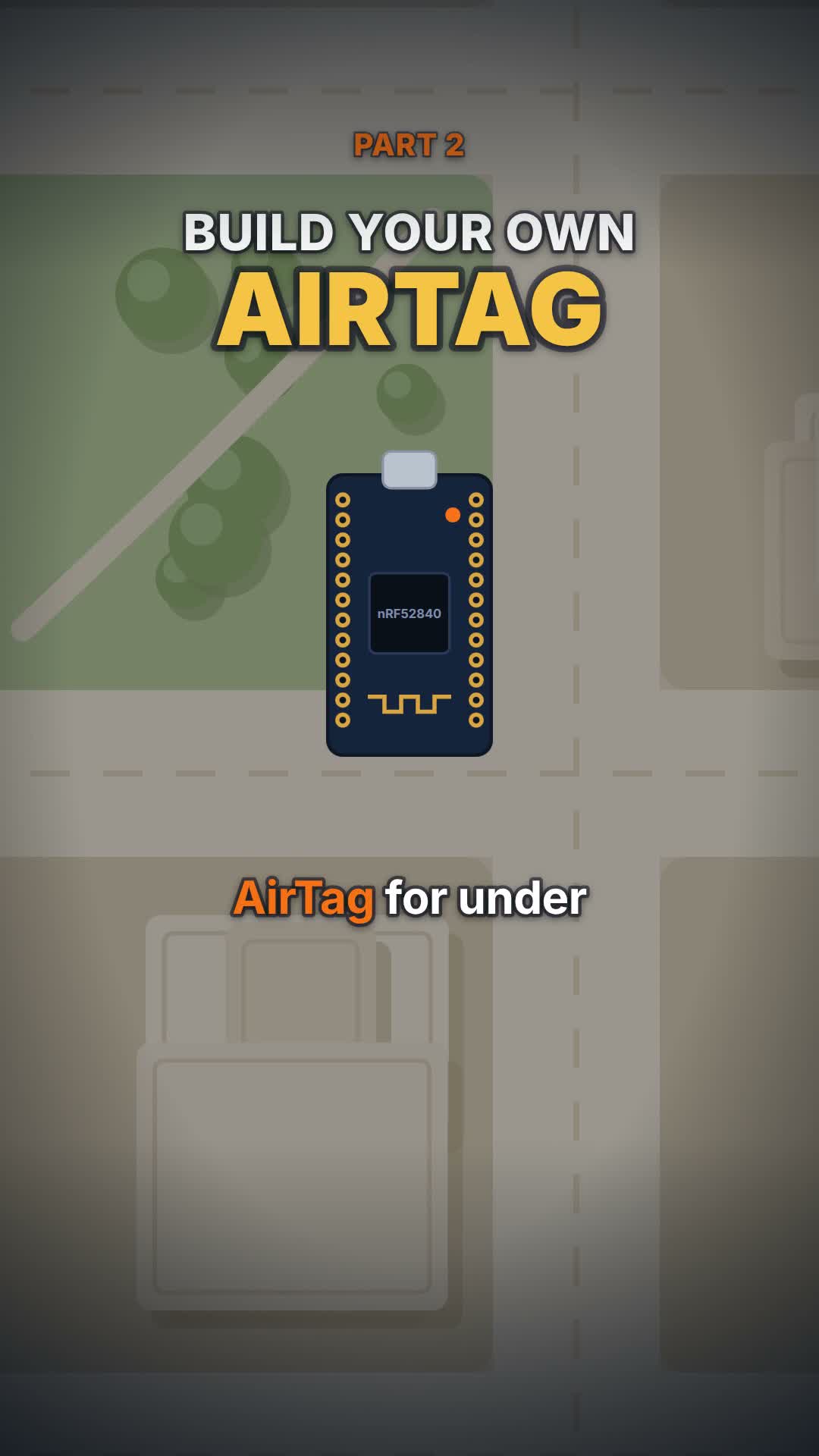
Part 1 explained how it works; this is the build. You’ll flash a cheap Bluetooth board with the FruityTag firmware, give it a key, and run the FindMyWeb web app to see it on a map.
How hard is it?
Tinkerer level. There’s no app to download: you build everything from source in a terminal. If you’ve used a terminal before, plan an afternoon. If you haven’t, expect to spend some extra time getting the Zephyr SDK installed, which is the longest part.
Where the key comes from
The tag needs an advertisement key, and the server needs the matching private key to decrypt location reports. Follow the repo’s docs/firmware/setup.md and docs/server/login.md for generating and storing them. Key handling is documented there and may change as the project matures, so treat those docs as the source of truth over any copy of the steps.
What you need
Item
Note
Price
Buy
Pro Micro nRF52840 board (often sold as "SuperMini nRF52840")
The tracker. Thumb-sized Bluetooth board.
$4.40 to $13.99 (checked 26 Oct 2026)
No need to buy
USB cable
To flash the firmware and set the key.
No need to buy
Small LiPo battery or power bank
Optional, to take it on the go. Not included in the $15.
No need to buy
A computer with a terminal
Runs the build tools and the web app.
No need to buy
Steps
1
Flash the FruityTag firmware
Build it from source with the Zephyr SDK, then flash over USB with adafruit-nrfutil, or copy the UF2 file with the board in DFU mode. There is no prebuilt firmware yet.
Terminal
west build -b promicro_nrf52840/nrf52840/uf2 .
2
Send it your public key
Connect over serial at 115200 baud and set the key. From then on the board broadcasts it to every Apple device nearby.
Terminal
findmy key set <your base64 key>
3
Run the web app
Run the FindMyWeb backend (Python) and frontend (Vue), sign in to Apple with the project's login script using a spare Apple account, and open the dashboard. Your tag shows on a map. Follow the repo docs for the exact setup.
Honest caveats
No prebuilt firmware or Docker image yet (both marked TBD in the README). This is a tinkerer project.
Use a spare Apple account: Hacker News commenters warn the login could get an account banned. That's community advice, not an Apple policy statement.
Track only your own things. Tracking a person without consent is illegal in many places.
The $15 covers the board only; a battery is extra.